How to Deploy NanoClaw on exe.dev: A Step-by-Step Guide
7 Mayıs 2026 · Ali Goldberg
What is exe.dev
exe.dev is a cloud platform that allows users to instantly spin up, manage, and share isolated virtual machines (VMs) directly via SSH.
That means you interact with your VM through a secure terminal connection rather than navigating a complex web dashboard. Just open a terminal, SSH in, and you immediately have a raw Linux server to work with.
You can think of it as a cloud for developers.
Why exe.dev and NanoClaw make a perfect match
Just like humans, agents need a home to live in 24/7. A place where their memory, scheduled jobs, and messaging sessions stay alive even when you’re not watching.
exe.dev was built with this in mind. Its team describes the VMs as “agent-friendly sandboxes,” designed so you can spin up a machine and let an agent run freely without worrying about your laptop.
NanoClaw finds exactly the host it was built for in exe.dev: a persistent disk so memory and auth tokens stick around, an always-on VM so cron jobs and scheduled tasks just work, and isolated containers so agents can install what they need and execute commands without touching anything you care about.
Step 1: Make an account on exe.dev
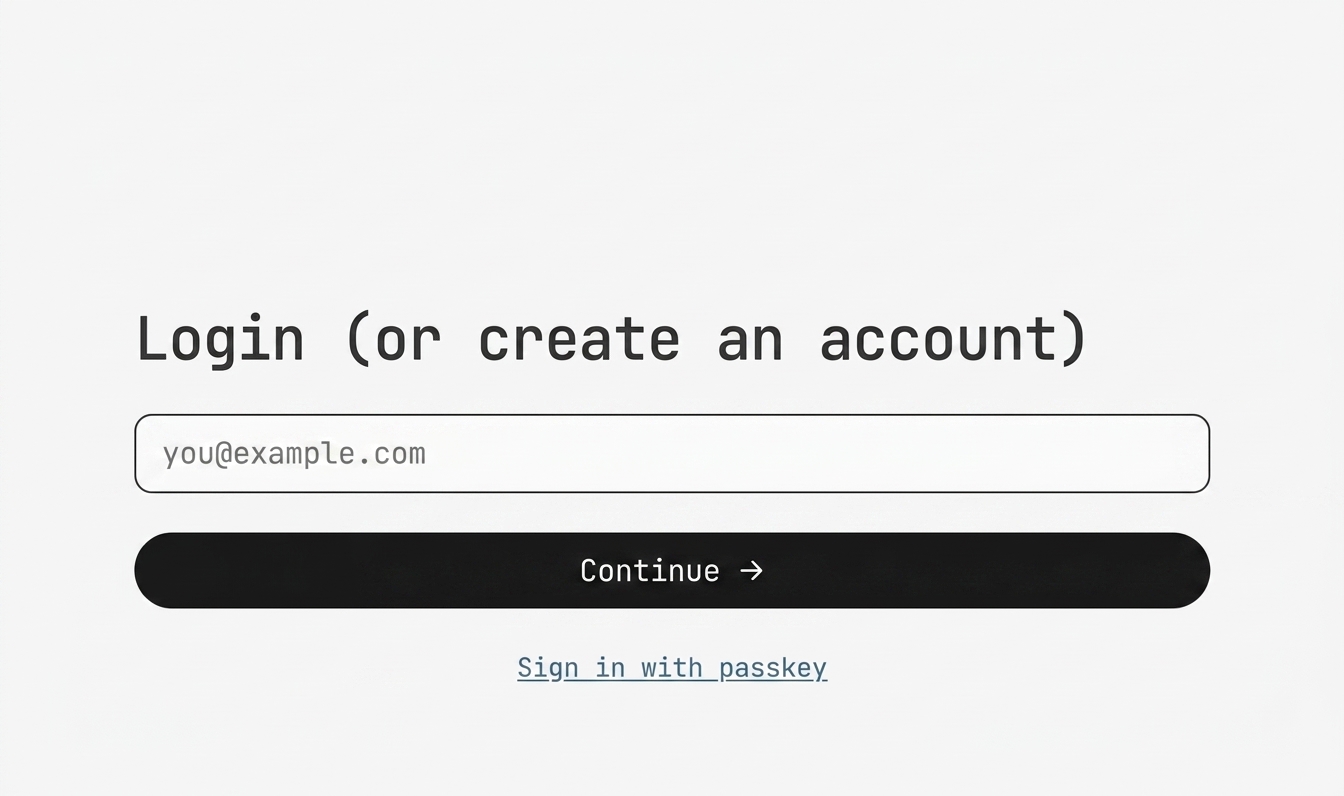
Head to exe.dev and sign up with your email.
Step 2: Activate your exe.dev subscription
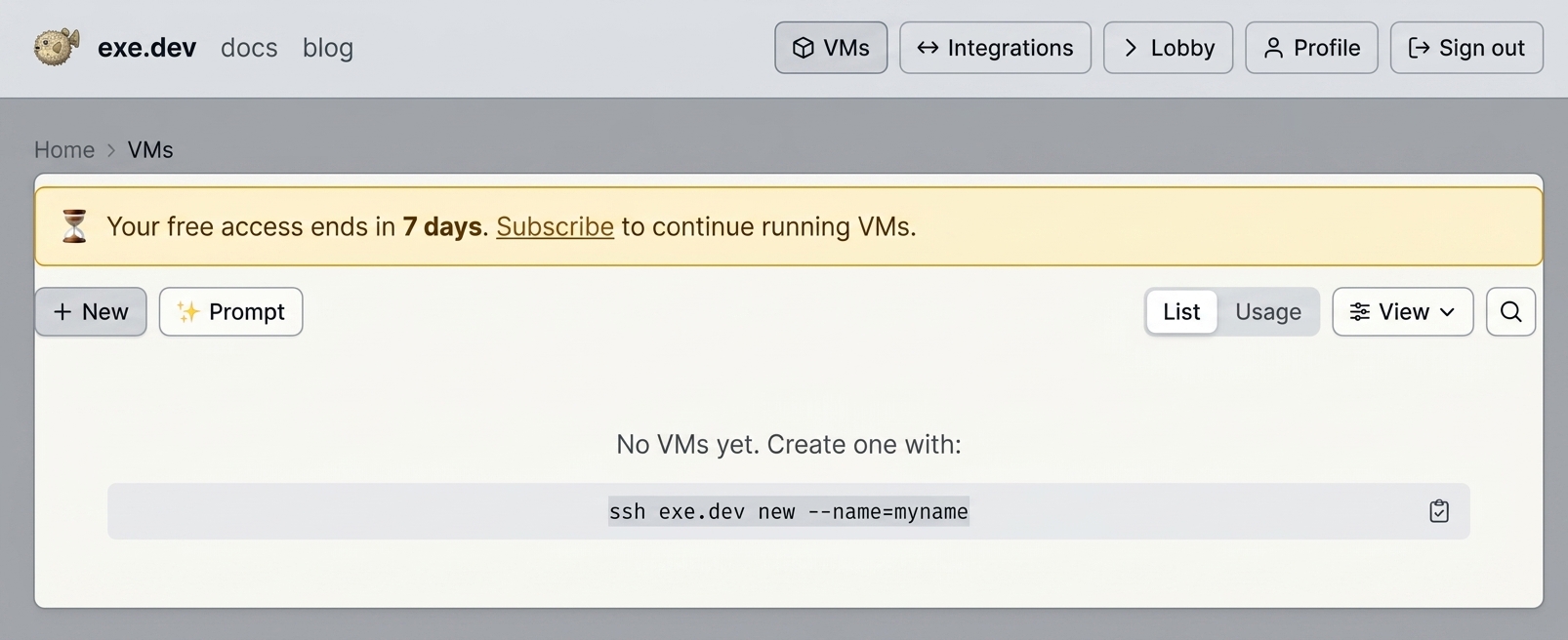
Now you’re in your exe.dev dashboard! exe.dev comes with a 7-day free trial, but you’ll need a subscription to keep going after that.
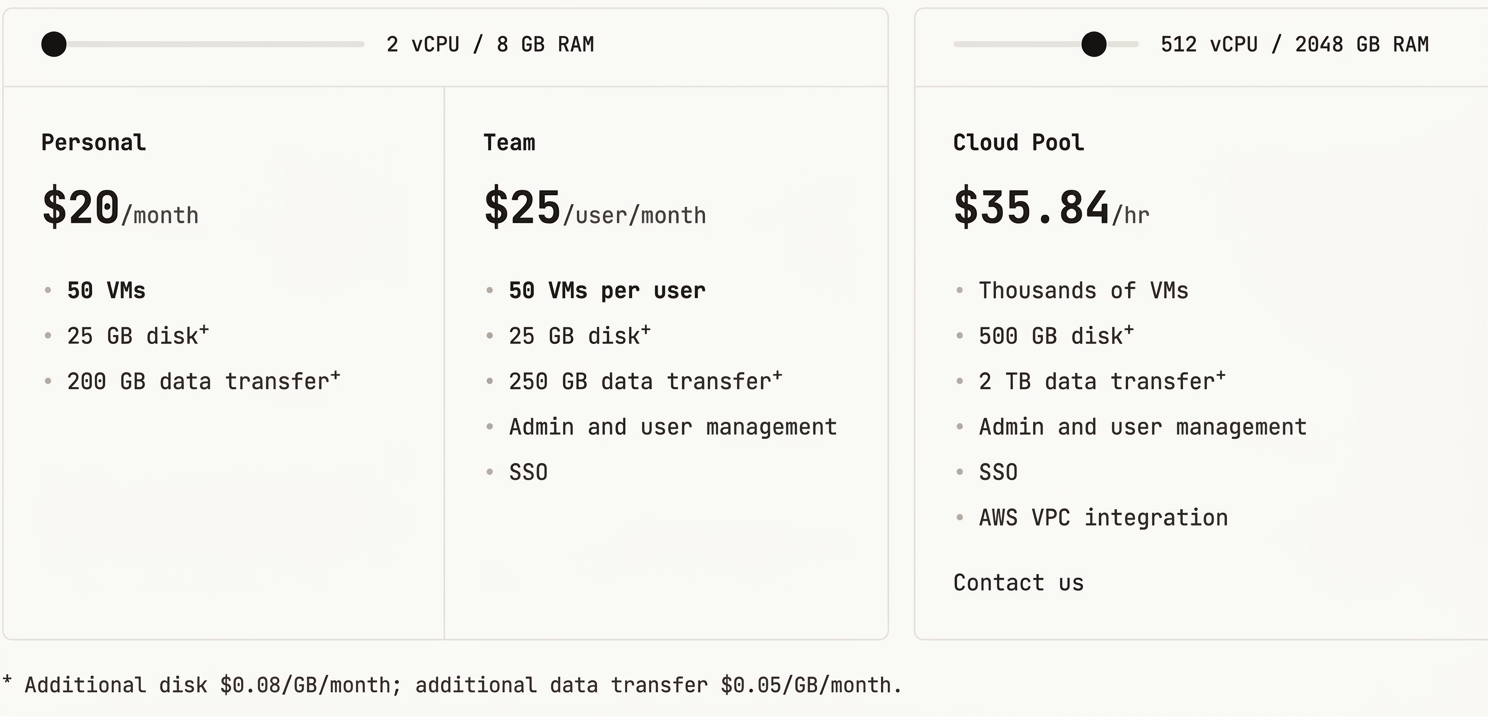
For single NanoClaw users, we recommend getting a personal plan at $20/month. If you want to share VMs across a team, with admin controls and Single Sign-On (SSO), you can upgrade to Team for $25 per user/month.
Step 3: Create your first VM
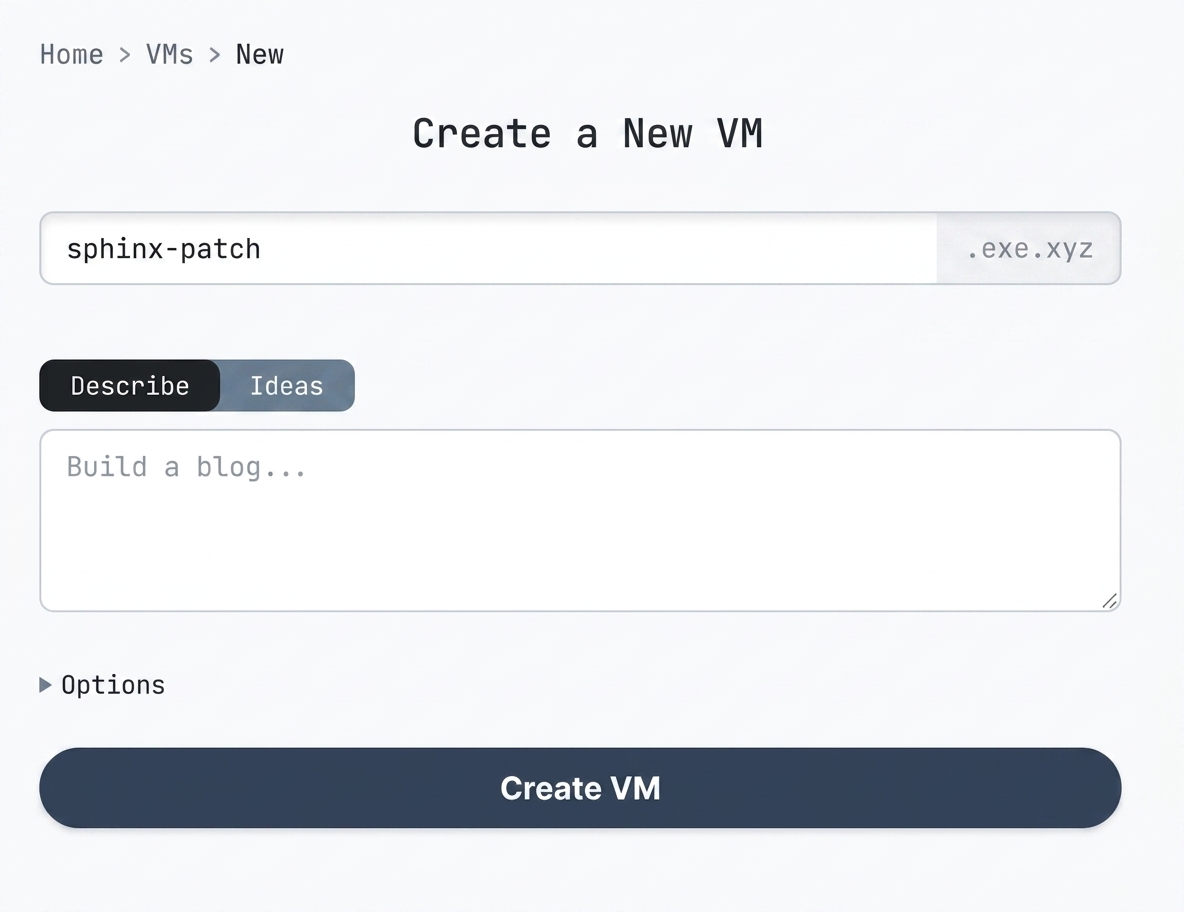
From your dashboard, click “New” in the upper left corner to spin up and name your VM.
Step 4: Get in your terminal and set up NanoClaw
Click the terminal button to open your VM’s personal terminal.
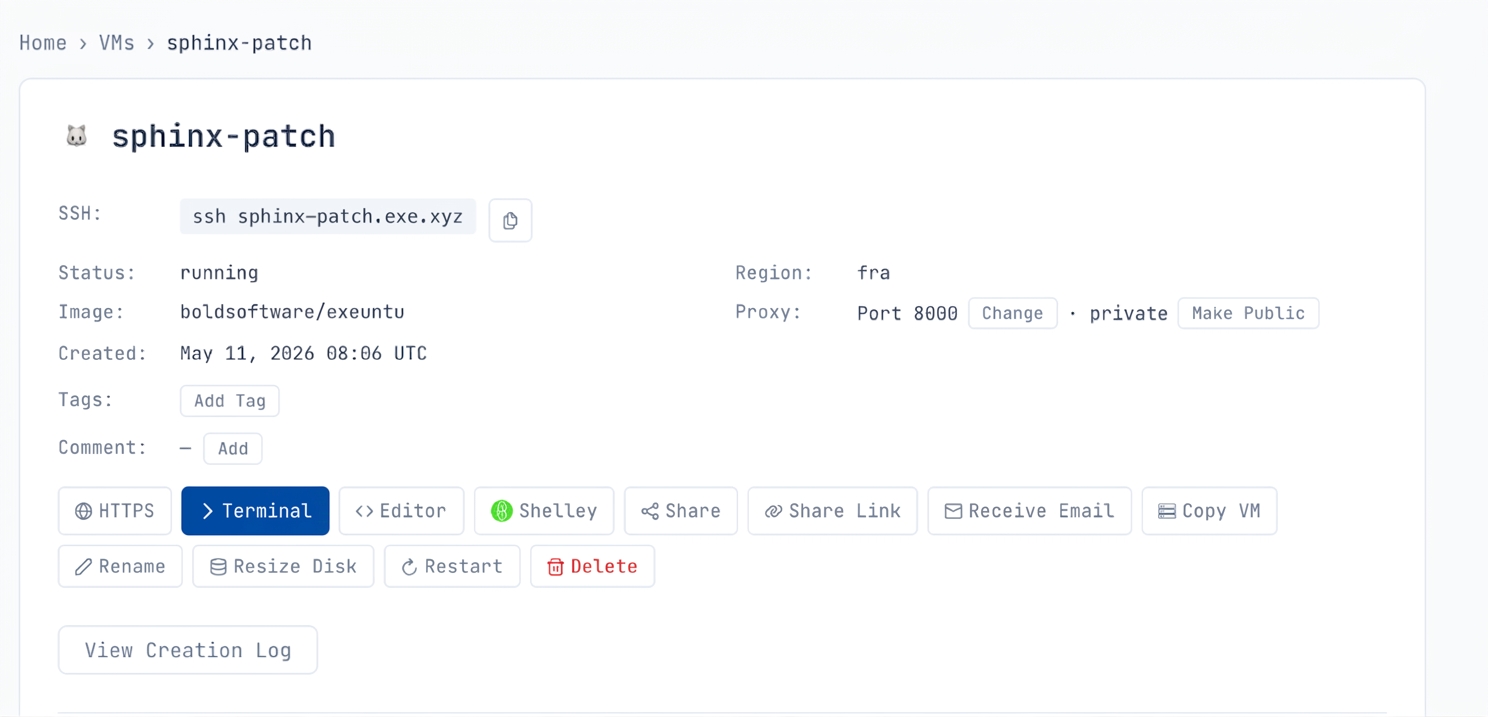
After you’re in your VM, get started with NanoClaw with just three lines of code. In your VM terminal, run:
git clone https://github.com/nanocoai/nanoclaw.git nanoclaw-v2
cd nanoclaw-v2
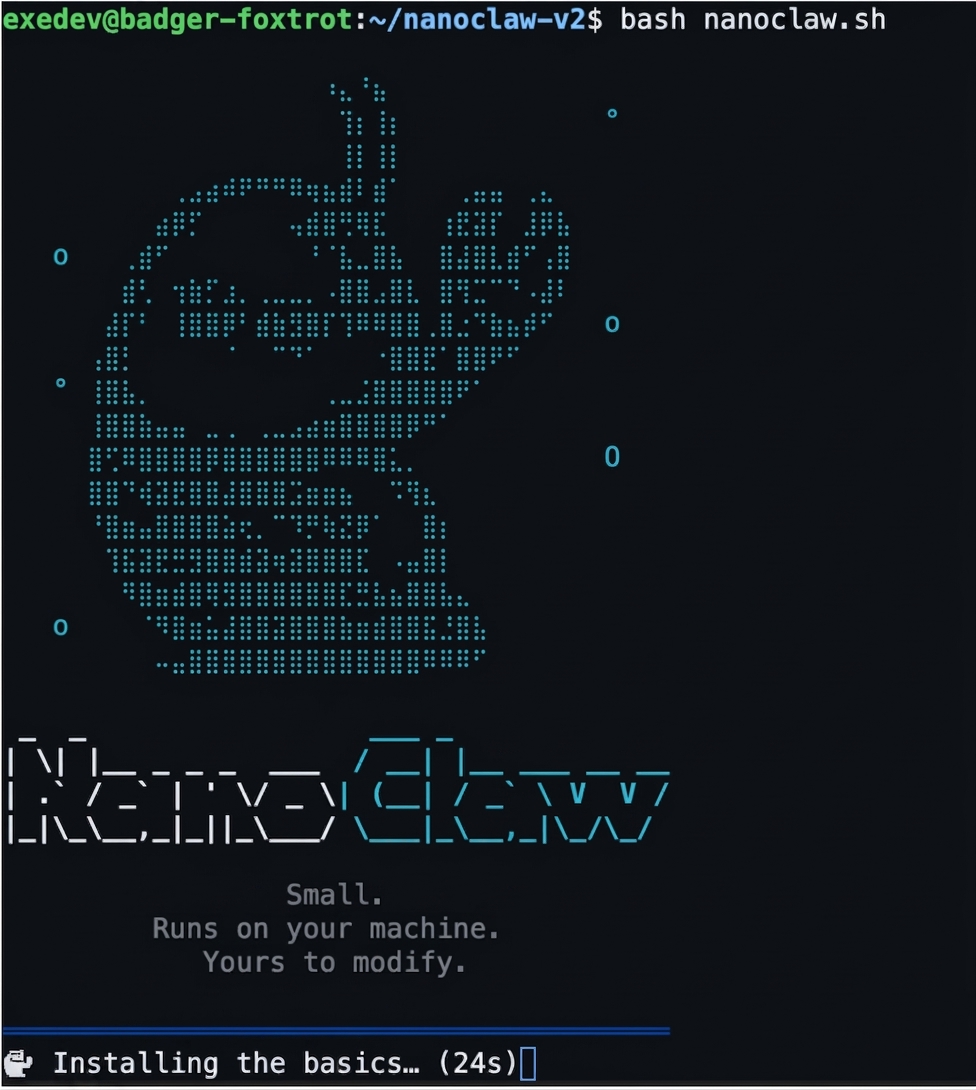
bash nanoclaw.sh
Enjoy your NanoClaw!
Troubleshooting
Stuck? Ask Claude. Claude Code works great inside your VM’s terminal — just describe the issue or paste the error and let it walk you through the fix. NanoClaw’s setup is also optimized for Claude to step in and help when needed.